
Every year, over 1.5 million adverse drug events are prevented in U.S. hospitals simply because someone checked what happens when two medications are taken together. But if you’re not sure how to use a drug interaction checker - or worse, you think they’re foolproof - you could be missing something critical.
What Exactly Is a Drug Interaction Checker?
A drug interaction checker is a tool that tells you whether combining certain medications, supplements, or even foods could cause harm. It doesn’t guess. It scans known medical data - how drugs are absorbed, broken down, and cleared from your body - and flags combinations that might make you sick, reduce effectiveness, or even cause life-threatening reactions. These tools are used by doctors, pharmacists, and everyday people. Some are built into hospital systems like Epic or Cerner. Others live in apps like Medisafe or on websites like the University of Liverpool’s COVID-19 DDI Checker. The big ones - Micromedex, Lexi-Interact, Epocrates - are used in over 89% of U.S. hospitals. But even if you’re not in a hospital, you can still use them safely and effectively.Why You Should Never Skip This Step
If you take more than one prescription, or even just one prescription plus a supplement like magnesium or St. John’s wort, you’re at risk. A 2022 CDC report found that 44% of adults over 65 take five or more medications. That’s not unusual. It’s the new normal. Here’s what can go wrong if you don’t check:- Warfarin (a blood thinner) + ibuprofen = higher risk of internal bleeding
- Statins (cholesterol drugs) + grapefruit juice = toxic buildup in your liver
- SSRIs (antidepressants) + migraine meds like triptans = serotonin syndrome - a potentially fatal condition
Step 1: Gather Your Full Medication List
Before you open any checker, write down everything you’re taking. Not just prescriptions. Include:- All prescription drugs (even ones you only take once in a while)
- Over-the-counter meds (painkillers, antacids, sleep aids)
- Vitamins and supplements (vitamin D, fish oil, herbal teas)
- Recreational substances (alcohol, nicotine, cannabis - yes, they interact too)
Step 2: Choose the Right Tool
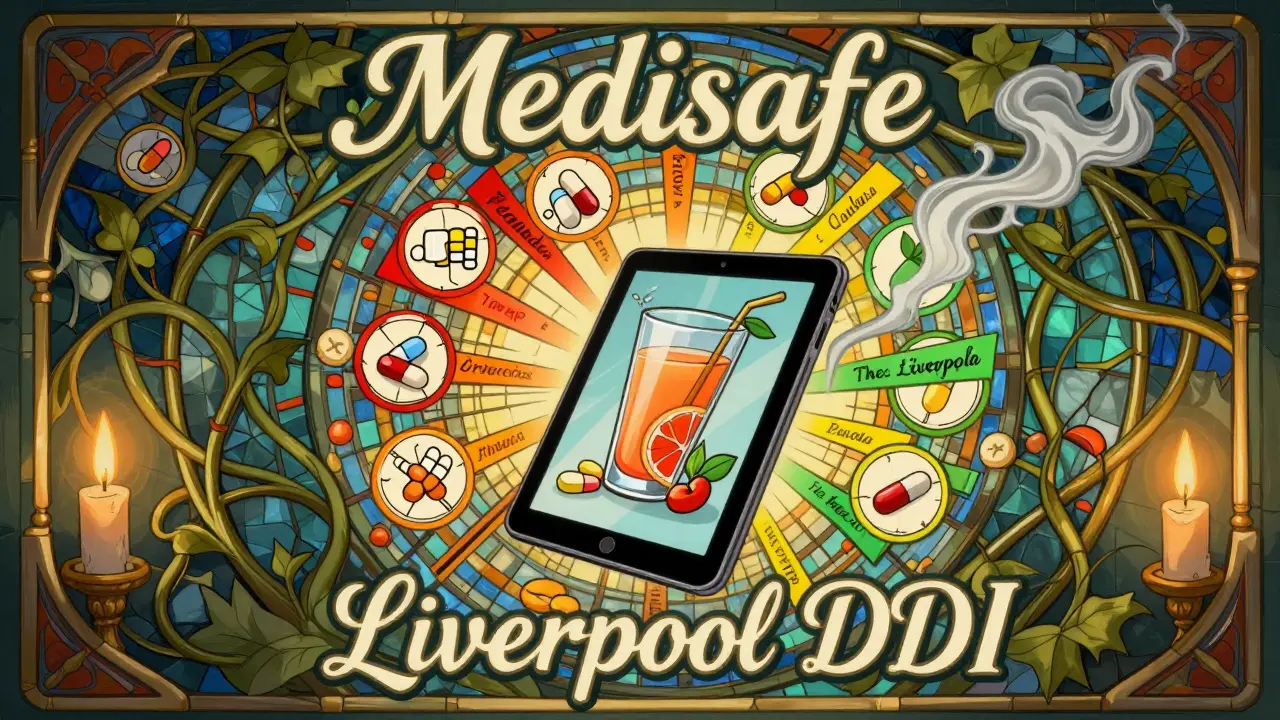
Not all checkers are created equal. Here’s what works best for different users:- For patients at home: Use Medisafe (iOS and Android). It’s simple, free, and lets you store your meds in a digital “Med Cabinet.” Just tap “Interactions Checker,” select your meds, and it shows you risks in plain language.
- For quick checks: Try the University of Liverpool’s DDI Checker. It’s web-based, no sign-up needed. Uses color codes: red = dangerous, orange = monitor, yellow = note, green = safe. Great for checking one or two drugs fast.
- For professionals or detailed analysis: Lexi-Interact and Micromedex are the gold standard. They show not just if there’s an interaction, but how strong it is, what symptoms to watch for, and how to adjust dosing. These are what pharmacists use in hospitals.
Step 3: Enter Your Medications Correctly
This is where most people mess up. You can’t just type “aspirin” and expect the system to know you mean the 81 mg tablet you take daily.- Use generic names when possible. “Metformin” is better than “Glucophage.”
- Include dosage and form: “Lisinopril 10 mg tablet,” not just “Lisinopril.”
- Specify route: “topical diclofenac gel” vs. “oral diclofenac” - they interact differently.
- If the tool asks for a “Product Concept ID” (like DrugBank), skip it unless you’re a clinician. Stick to name + dose.
Step 4: Understand the Results
Results aren’t just “yes” or “no.” They’re graded by severity. Here’s what the codes mean:- Contraindicated (Red): Don’t take these together. Ever. Example: MAO inhibitors + SSRIs.
- Significant (Orange): Risk is real. Requires monitoring or dose change. Example: Warfarin + amiodarone.
- Mild (Yellow): Possible effect, but usually not dangerous. Still worth noting. Example: Omeprazole + clopidogrel - reduces clopidogrel’s effectiveness slightly.
- No Interaction (Green): Safe together.
Step 5: Don’t Trust It Blindly
Here’s the hard truth: no drug interaction checker catches everything. A 2022 review in JAMA Internal Medicine found these tools miss 15-40% of dangerous interactions. Why?- They don’t know your full health history - kidney function, liver disease, allergies.
- They can’t predict new interactions from unpublished studies.
- They don’t know if you took your pill 2 hours late or skipped it entirely.
Step 6: Take Action - Or Ask Someone Who Can
If the checker flags a red or orange interaction, don’t panic. Don’t stop your meds. Do this:- Write down exactly what the tool said.
- Call your pharmacist. They’re trained to interpret these alerts. Most will answer for free.
- Ask: “Is there a safer alternative?” or “Can we adjust the dose or timing?”
- If it’s a new prescription, ask your doctor to run the same check before filling it.
Common Mistakes People Make
- Only checking prescriptions. Supplements like St. John’s wort interact with over 80 drugs - including birth control and antidepressants.
- Assuming “natural” means safe. Garlic supplements thin your blood. So does aspirin. Together? Bleeding risk.
- Using outdated tools. Some free websites haven’t updated their databases since 2018. Stick to tools updated in the last 12 months.
- Ignoring alerts because there are too many. Clinicians override 49% of DDI alerts because they’re flooded with false positives. But that’s why you need to learn which alerts matter.
What’s New in 2025?
The field is evolving fast:- AI-powered checkers (like Lexicomp’s new feature) now reduce false alerts by 22% by learning from real-world patient data.
- Pharmacogenomics is being added - some systems now factor in your DNA to predict how you metabolize drugs. Mayo Clinic’s pilot showed 31% better accuracy.
- Real-world evidence from the FDA’s Sentinel Initiative is now feeding into databases. That means interactions are being updated based on actual patient outcomes, not just lab studies.
Final Tip: Make It a Habit
Don’t wait until you’re in the ER to check for interactions. Make it part of your routine:- Every time you get a new prescription, run it through a checker before filling it.
- Every 6 months, recheck all your meds - even if nothing changed. New interactions are discovered all the time.
- Keep a printed or digital list in your wallet or phone. Show it to every doctor, even the dentist.
Are drug interaction checkers free to use?
Yes, many are. Tools like the University of Liverpool’s DDI Checker and Medisafe’s interaction feature are free for consumers. Hospital-grade tools like Micromedex and Lexi-Interact cost thousands per year - but you don’t need those unless you’re a clinician. For personal use, free tools are reliable if they’re updated regularly and cite trusted sources.
Can I trust drug interaction checkers on my phone?
You can, but only if you pick the right app. Medisafe, Epocrates, and WebMD’s drug checker are well-regarded and regularly updated. Avoid random apps with no citations or unclear developers. Look for apps that mention partnerships with universities, hospitals, or major drug databases like Micromedex or DrugBank.
Do drug interaction checkers include supplements and herbs?
The best ones do. Lexi-Interact, Micromedex, and Medisafe include thousands of supplements. But not all free tools do. If you take St. John’s wort, garlic, ginkgo, or kava, make sure the checker lists them by name. If it doesn’t, it’s not comprehensive enough.
What if the checker says there’s no interaction, but I feel weird after taking the combo?
Trust your body. No tool is perfect. If you feel dizzy, nauseous, confused, or have unusual symptoms after starting a new combo, stop the new medication and contact your doctor or pharmacist immediately. Some interactions are too rare or too new to be in the database yet.
Can I use a drug interaction checker for my pet?
No. Human drug interaction checkers are designed for human physiology. Pets metabolize drugs differently. A dose safe for a human can be lethal for a dog or cat. Always consult a veterinarian for pet medications - never use a human tool.



Stewart Smith
December 31, 2025 AT 20:54Man, I once took ibuprofen with my blood thinner and thought, 'Eh, it's just a little painkiller.' Didn't even check. Ended up in the ER with a bruise the size of a dinner plate. This guide? Lifesaver. Don't be me.
Aaron Bales
January 1, 2026 AT 14:40Step 1: Write everything down. Step 2: Use Medisafe. Step 3: Call your pharmacist. That's it. No fluff. Do this and you're already ahead of 90% of people.
Marilyn Ferrera
January 2, 2026 AT 08:27Don't forget: even 'natural' supplements like St. John’s wort can turn your SSRIs into a serotonin bomb. I've seen it. Always list everything-even the turmeric tea you drink at 3 a.m. Your liver will thank you.
Deepika D
January 3, 2026 AT 05:36Hey everyone! I'm Deepika from India, and I just want to say-this post is absolutely beautiful! I've been helping my elderly aunt manage her 7 medications, and I had no idea how dangerous even a simple antacid could be with her heart pills. I used the University of Liverpool checker, and it flagged a red alert I never would've guessed! Now I check every new supplement with her pharmacist, and we've even made a little color-coded chart for her fridge. I'm so grateful for posts like this-they don't just inform, they save lives. 🙏❤️ Let's keep sharing this knowledge, especially with older folks who might not know how to use tech!
Chandreson Chandreas
January 4, 2026 AT 13:07Used to think these tools were for nerds. Then my mom had a near-miss with grapefruit + statin. Now I have Medisafe open every Sunday night like a ritual. 📱💊 It’s not paranoia-it’s peace of mind. Also, yes, cannabis counts. Just saying.
Darren Pearson
January 6, 2026 AT 09:09While I appreciate the practical advice, one must acknowledge the epistemological limitations of algorithmic pharmacovigilance. These tools, however sophisticated, operate within the confines of curated databases derived from clinical trials that rarely reflect polypharmacy in geriatric populations with comorbidities. The false-negative rate, as cited, is not merely a statistical anomaly-it is a systemic failure of evidence-based medicine to account for individual physiological variance. One cannot outsource clinical judgment to an app, no matter how elegantly designed. The true safeguard remains the clinician’s discernment, not the color-coded interface.
Branden Temew
January 8, 2026 AT 01:42So we’re told to trust the checker… but then told not to trust it? That’s like being handed a GPS that says 'You’re here' while you’re clearly lost, then being told, 'Trust your gut.' Funny how we call it 'technology' when it’s just a glorified flowchart with a 40% blind spot. Maybe the real problem isn’t the tool-it’s that we’ve outsourced our responsibility to a screen. What if the real step 7 is: 'Learn your own body before you trust the app'?
Bennett Ryynanen
January 9, 2026 AT 19:36Bro, I used to ignore all this stuff until my cousin died from a serotonin combo. Don’t be that guy. Write it down. Check it. Ask your pharmacist. Don’t wait for an ambulance to teach you a lesson. Your life isn’t a gamble.